 photos.chat
Little tools for a very big day.
Eleven genuinely free wedding & celebration tools to write, budget, schedule, seat, and print everything you need — zero account, zero email gate, zero watermarks.
Set your plan and real numbers first.
Put every planning task in chronological order around your actual date, and split your budget with realistic regional weights before signing venue contracts.
✦ Live TV Tip: Planning tip: locking in your photos.chat Live TV Wall more than 30 minutes before your event starts saves $70 ($29 pre-event vs. $99 event-day). Start free on photos.chat →

Wedding Budget Planner
Get an instant, region-calibrated wedding budget breakdown (US, UK, AU, India, Canada, Ireland) and track Planned, Quoted, and Paid vendor spend in your browser.
Open free tool →
Wedding Checklist Generator
Generate a prioritised wedding planning checklist tailored to your exact months remaining, guest count, venue type, and country. Saves progress on your device.
Open free tool →Invite everyone, collect replies, then seat the room.
Create a memorable hashtag, put a scannable RSVP code on your paper invitations, and turn plain-English family notes into a calm, constraint-aware table plan.
✦ Live TV Tip: Have relatives who cannot travel? Every photos.chat room includes a 6-digit PIN so far-away family can watch and upload onto the venue TV with an automatic "From Afar" badge. Start free on photos.chat →
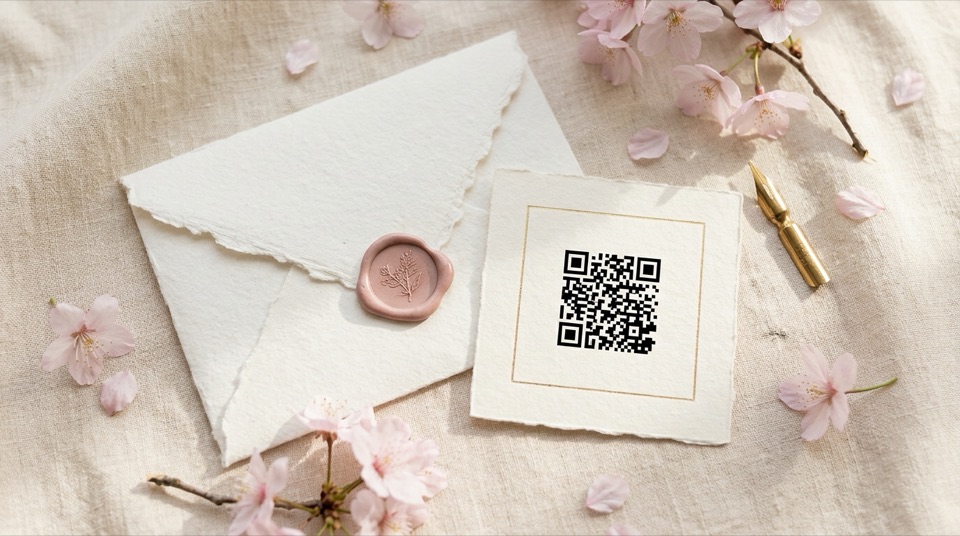
RSVP QR Code Generator
Turn any online RSVP form link into a printable wedding QR code and framed invitation insert card in seconds. Free PNG & print sheet, no signup.
Open free tool →
Wedding Hashtag Generator
Generate 20 custom wedding hashtags from your names, surnames, wedding vibe, and love story in seconds. Includes shortlist + free printable hashtag sign.
Open free tool →
Seating Chart Maker
Describe your guests, friendship groups, divorced-parent rules, and accessibility needs in plain English. Get a complete wedding table plan, escort cards, and host notes.
Open free tool →Find the right words. Build buffers into the day.
Turn real memories into vows and speeches that sound unmistakably like you — plus a minute-by-minute run sheet your photographer, caterer, and wedding party can trust.
✦ Live TV Tip: Starting 72 hours before your celebration, photos.chat unlocks your Venue TV Test Window so your host or moderator can test the big screen and pre-load throwback photos. Start free on photos.chat →

Wedding Vow Writer
Turn your real memories, private jokes, and promises into two distinct, heartfelt wedding vow drafts with live speaking-time estimates and printable keepsake cards.
Open free tool →
Wedding Speech Writer
Write a memorable, natural speech for Best Man, Maid of Honour, Parents, Newlyweds, Milestone Birthdays, or Celebrations of Life. Paced for the mic with printable podium cards.
Open free tool →
Wedding Day Timeline Builder
Build a realistic minute-by-minute wedding day schedule anchored around your ceremony time, with real-world buffers, inline editing, vendor print view, and .ics calendar export.
Open free tool →Capture every guest’s angle — live on the big screen.
Print table-ready QR signs, generate high-resolution upload codes, and hand every table a playful photo scavenger hunt that beams straight onto your venue TV.
✦ Live TV Tip: Unlike static upload folders, photos.chat turns your QR code into a live TV slideshow with a dedicated Photo Editor PIN to brighten and crop shots before they hit the screen. Start free on photos.chat →
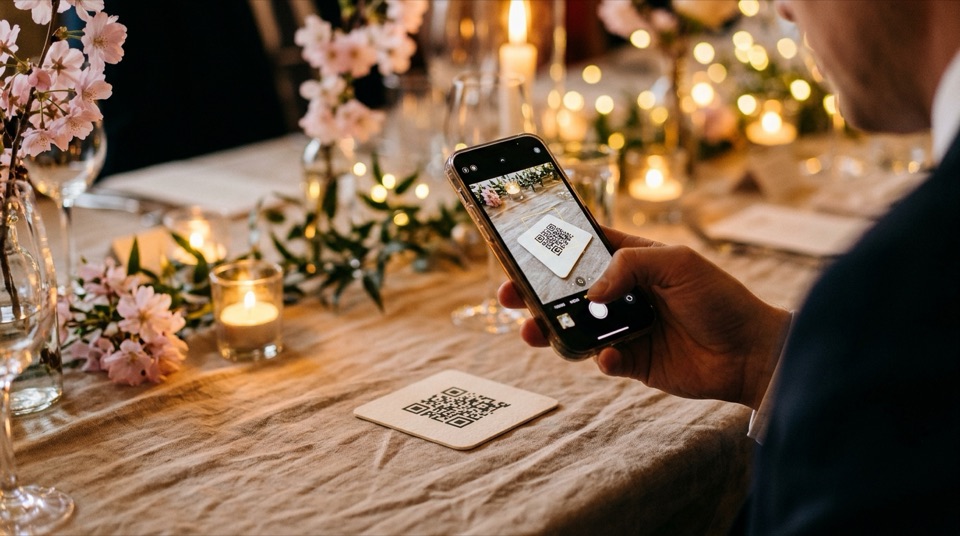
Wedding Photo QR Generator
Create a free, watermark-free wedding QR code for guest photo uploads, live TV walls, RSVPs, or your wedding website. Instant high-resolution PNG download, no signup.
Open free tool →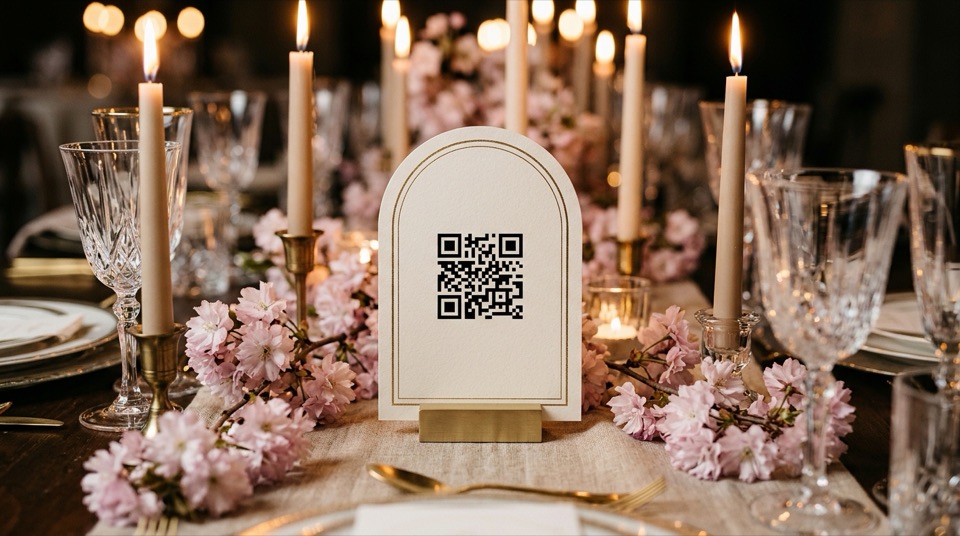
Wedding QR Sign Maker
Personalize 10 elegant wedding QR code sign templates in 5×7 table card, A5, A4, or 18×24 welcome sign sizes. Instant high-res PNG and print-ready PDF, no signup.
Open free tool →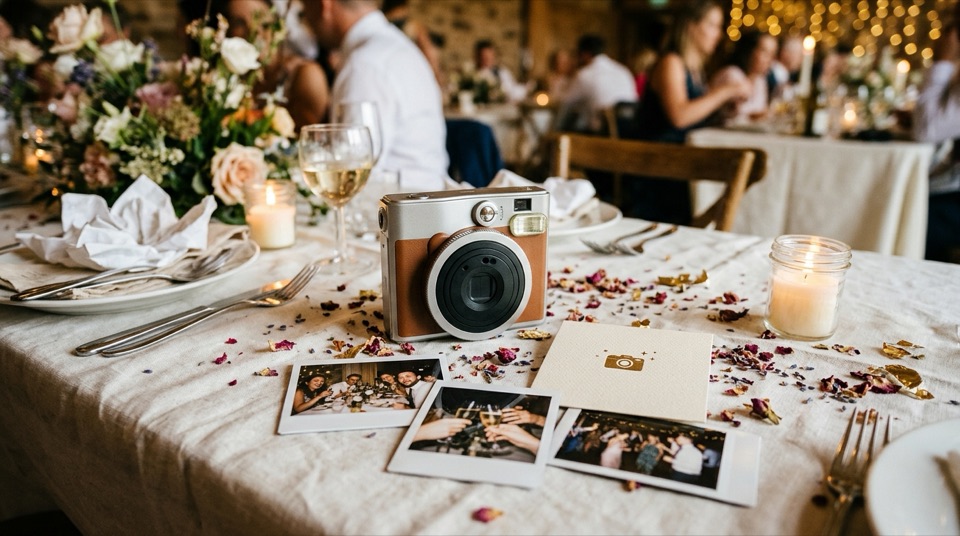
Scavenger Hunt Generator
Generate 8 to 15 personalised wedding photo scavenger hunt missions in seconds. Edit prompts, print table cards, or run them as live timed challenges on your venue TV.
Open free tool →Turn any TV into a Live Event Photo Wall.
Once your timeline, seating plan, and QR table signs are ready, power your reception with photos.chat. Guests scan one QR code — no app install, no account — and watch their candid photos, wishes, and 30-second video toasts appear live on the venue screen.
- Start 100% Free: Up to 100 approved photos & guest wishes included on every test/starter room.
- Save $70 Pre-Event ($29 vs. $99): Lock in Relax & Enjoy (5,000 full-res photos, 30s videos & ZIP download) more than 30 minutes before your event starts.
- Live Photo Editor & Moderator PINs: Let a cousin or remote Fiverr editor brighten, crop, and frame dark indoor shots before they hit the 75-inch TV.
- Remote Family 6-Digit PIN: Grandparents and overseas friends watch on their home TV and send photos tagged “From Afar”.
Which free wedding tool should you start with?
Wedding planning feels overwhelming only when tasks happen out of sequence — trying to print table cards before seating is settled, or booking florals before knowing what venue and catering leave in the budget. Use this order based on your countdown:
9–18 Months Out
Run the Checklist Generator and Budget Planner first so you walk into venue tours knowing your exact per-category ceiling.
3–6 Months Out
Generate your RSVP QR Card for invitations, coin your Wedding Hashtag, and draft an early Seating Chart.
2–6 Weeks Out
Write personal vows in the Vow Writer, send the Speech Writer to your wedding party, and lock your Day-Of Timeline.
Final Week & Event Day
Print QR Table Signs, Photo QR Codes, and Scavenger Hunt Cards — and test your photos.chat Venue TV Wall 72 hours out!
Common Questions
Do any of these 11 wedding tools require creating an account or entering an email?
None. Every tool generates results, saves progress locally on your device, and downloads watermark-free PNGs, print-ready PDFs, CSVs, or calendar files with zero email gate.
Is what I type into the Vow Writer, Speech Writer, or Seating Chart private?
Yes. Your names, anecdotes, budgets, and seating constraints are processed solely to generate your output and stored only in your own browser’s localStorage — never sold or published.
Can wedding planners, coordinators, or celebration hosts use these tools?
Absolutely. Planners regularly use the Timeline Builder, Adaptive Checklist, Budget Tracker, and QR Sign Studio for client weddings, milestone birthdays, and celebrations of life.
How do these free tools connect to photos.chat’s Live TV Photo Wall?
Once your timeline, signs, and scavenger hunt are ready, create a free photos.chat room (100 photos free, or $29 pre-event for 5,000 photos & videos) so guests’ phone photos appear live on your venue TV with optional moderation and remote photo editing.